See What Your AI Agents Can Actually Access: Introducing Kipling AI Agent Discovery And The AI Agent Graph

Discover AI Agents across your environment and understand who uses them, what they can access and what they can do.
AI agents can search email, query CRM systems, access files, write code and take actions on a user’s behalf. Knowing that someone is using ChatGPT, Claude or Cursor is only the starting point. Security teams need to understand what those agents can access and what that access allows them to do.
That access defines an agent’s potentialblast radius: the data and systems that could be affected if the agent takes anunintended action or is hijacked.
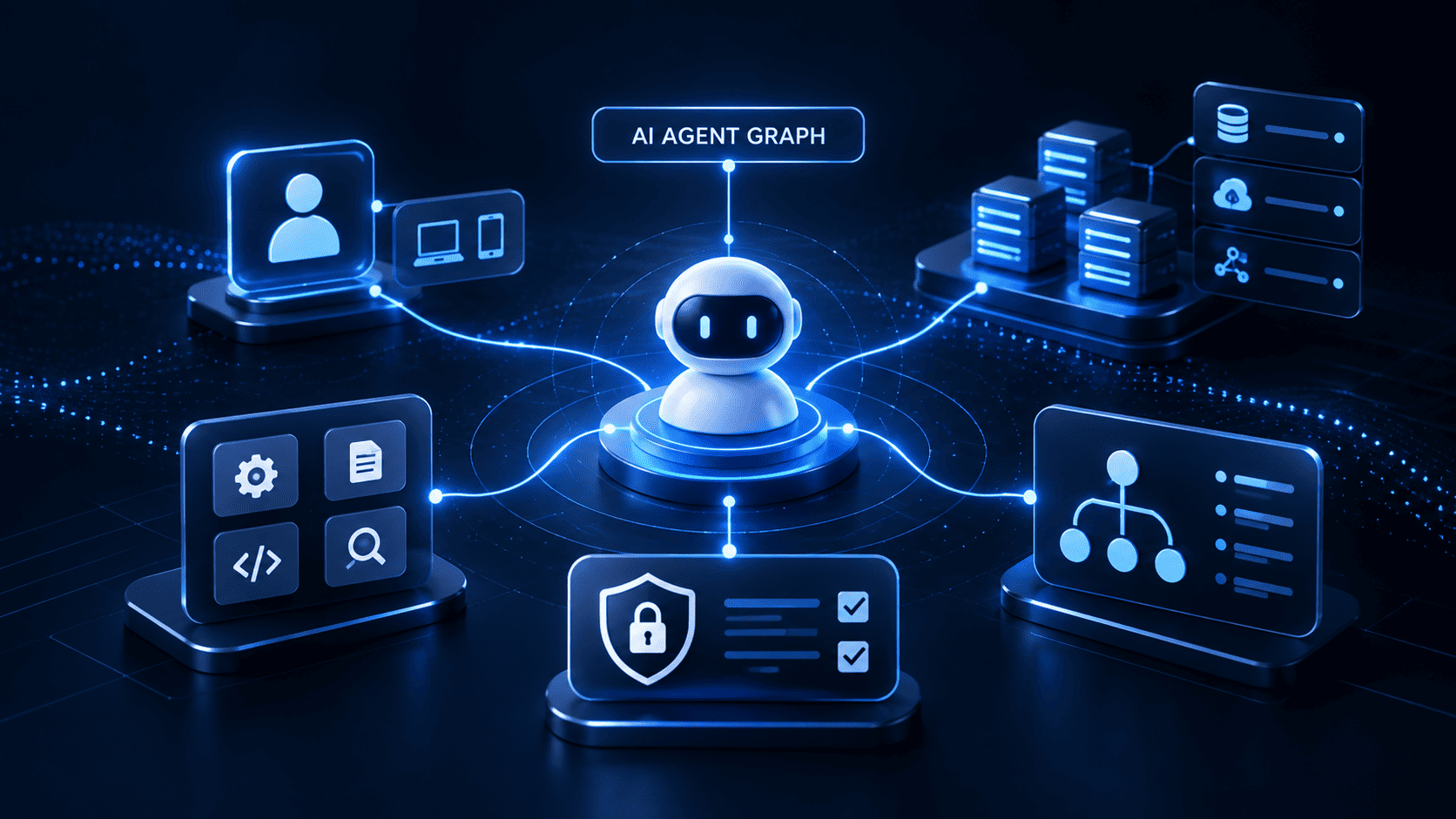
Kipling’s AI Agent Graph exposes this potential blast radius by connecting the user, agent, MCP servers, tools andpermissions with the actions those tools make available. Security teams can see these relationships in a single view and assess whether an agent has moreaccess than its task requires.
This visibility comes from Kipling’s purpose-built endpoint app, without requiring separate API integrations with each EDR or AI agent platform. By collecting this information on the device, Kipling reduces integration dependencies and brings the agent’s connections into view.
From Agent Discovery to Understanding Access
AI Agent Discovery identifies the agents present across monitored devices. The AI Agent Graph connects those agents to their associated users, MCP servers and tools, helping security teams understand the access behind each agent.
In the example above, Cursor is associated with two users, six MCP servers and 66 tools. Security teams can then inspect the available tools and their permissions to assess which connections need closer review.
.png)
Kipling’s AI Agent Graph connects users to agents and their associated MCP servers and tools, helping security teams assess an agent’s potential blast radius.
Understanding What the Tools Make Possible
The connections are only part of the picture. Security teams also need to understand the tools available through each connection. The agent details view shows individual tools along side reported attributes such as read-only status, destructive status, permissions and scopes. These details help teams review whether the available access is appropriate for the agent’s task.
.png)
The SharePoint tool view shows individual tools and their reported attributes, permissions and scopes, giving security teams more detail to assess potential exposure.
Using the Agent Graph to FocusAccess Reviews
The AI Agent Graph helps security teams investigate four questions:
Identity: Which user or account is associated with the agent?
Reach: Which MCP servers and tools are available to it?
Permissions: What scopes and permissions are associated with those tools?
Actions: Could those tools modify files, push code, send email or change SaaS records?
These relationships help security teams focus their reviews. Does a n agent need tools that modify files when its task only requires reading them? Does it need access to every connected system? Reviewing these permissions helps teams identify where access could be reduced to limit the agent’s potential blast radius.
Building the Agent-Ready Enterprise
As organizations expand their use of AI Agents, security teams need visility into the agents in their environment, the users associated with them and the tools they can access. Kipling’s AI Agent Discovery and AI Agent Graph bring these relationships into view, helping teams assess potential blast radius and prioritize access reviews.
To see how Kipling provides visibility into AI Agents and their access, request a demo.
.png)
FAQs
Find answers to the most common questions about AI detection and response (AIDR), how it works, and why it matters for modern MSPs.